
What's New
Use Bandry on Any Device, No iPhone Required (Introducing the Web App)
By the Bandry Team · Jun 4, 2026 · 5 min read
Bandry started life as an iPhone app, and that left a lot of musicians out. If you're on Android, or you just want to post from your laptop instead of your phone, you were stuck on the outside looking in. Music doesn't care what phone you carry, and neither should the place you go to find your band. So Bandry now runs on the web, on any device, and you no longer need an Apple Account to get in.
Introducing the Bandry Web App
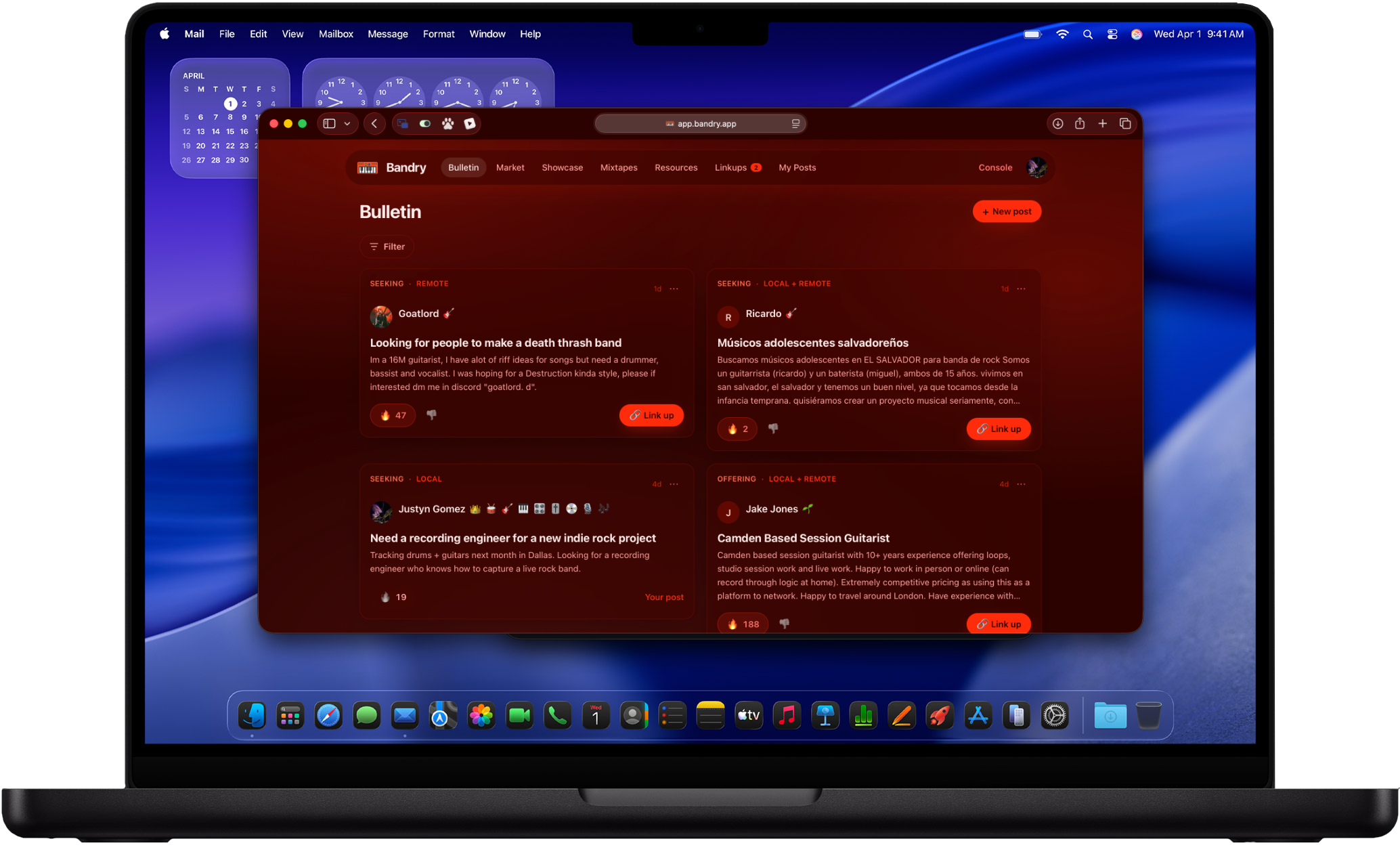
Open app.bandry.app in any modern browser and you're in. Android, Windows, Mac, a Chromebook, or an iPhone, it all works the same. Nothing to download, no App Store, no waiting on a review. It's the same Bandry, running in the browser.
And this isn't a stripped-down companion site with a "get the app" banner over everything. It's full feature parity with the iPhone app. Everything you do on your phone, you do on the web.
Sign In With Google, No Apple Account Needed
The biggest thing the web app unlocks: you can now Sign in with Google, on the web and in the iPhone app both. Before, Bandry was Sign in with Apple only, which quietly shut out anyone not living in Apple's world. Now you pick whichever you've got, Apple or Google, and you're in. There's still no password to create, store, or forget, and we never see one.
The Whole App, in a Browser
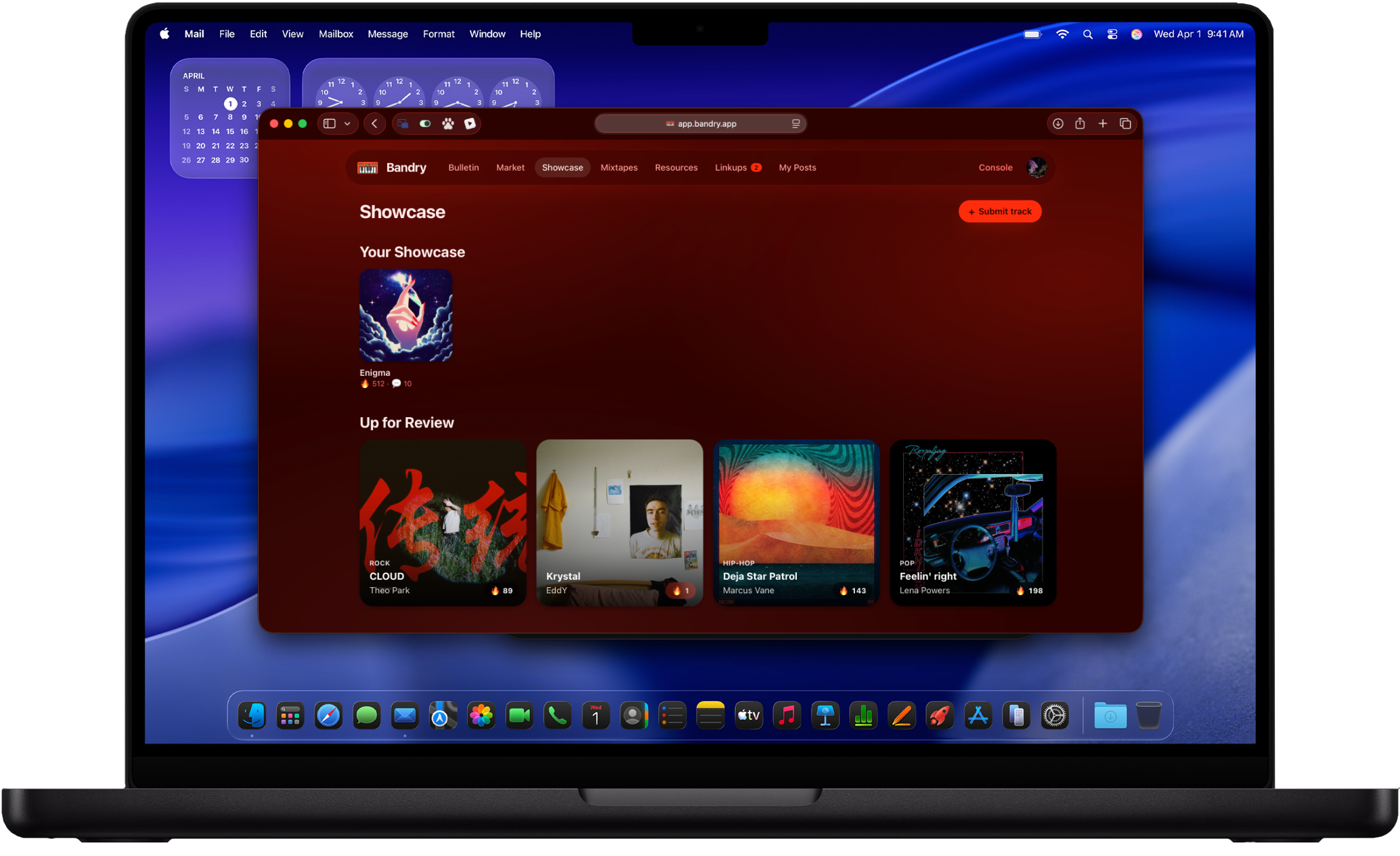
Everything that makes Bandry work is on the web, exactly like the app:
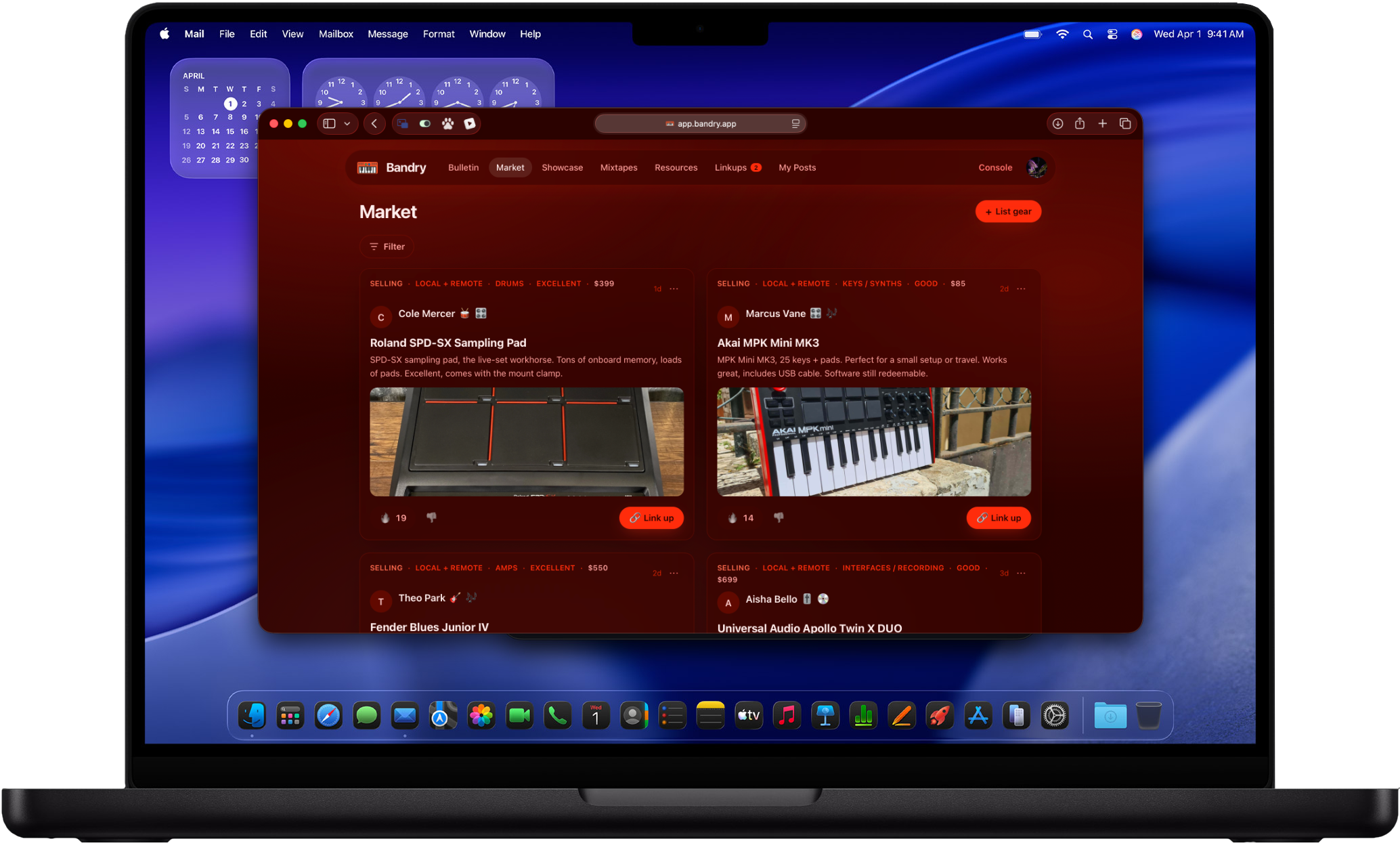
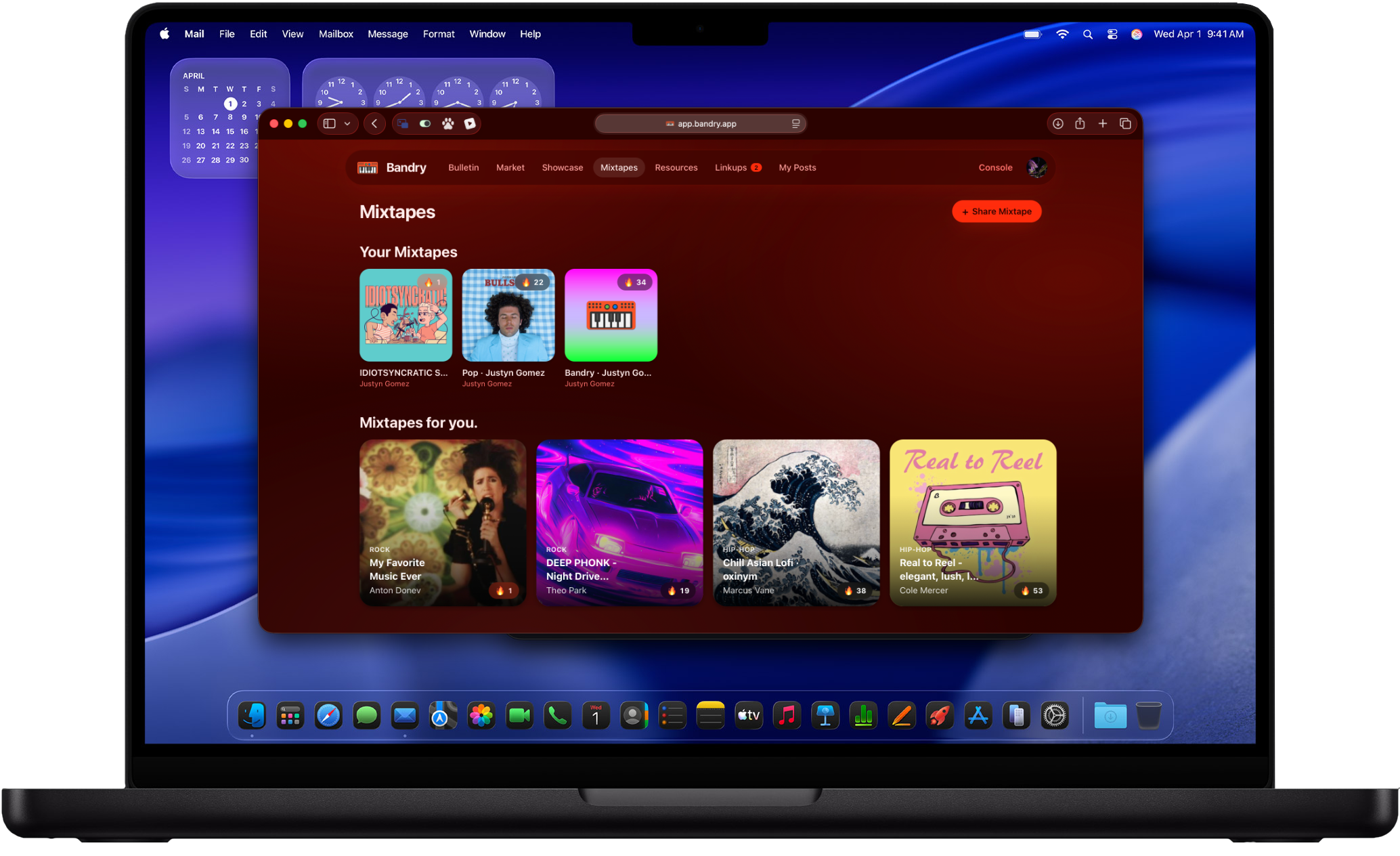
- Every board. Browse the Bulletin for bandmates and pros, the Market for used gear, Showcase for peer track feedback, and Mixtapes for what your scene is playing. Light the 🔥 on anything good.
- Post and link up. Drop a post or list gear, edit it whenever, and tap 🔗 to link up. Your Linkups inbox shows who raised their hand on your posts, with their contact info unlocked only for you.
- Your full profile. Build out your profile, upload an avatar, set your roles, genres, and links, all from the browser.
- The Resources map. Find studios, venues, rehearsal rooms, repair shops, and more near you, the same map of brick-and-mortar spots that's in the app.
- Trial and subscription. Start your 14-day free trial, subscribe, and manage your billing right from the web. Browsing and 🔥 stay free forever, same as always.
One Account, Every Device
It's the same Bandry account and the same data wherever you open it. Post from your laptop at home, check your Linkups inbox from your phone on the bus, your scene, your posts, your subscription all follow you. Sign in once and everything's there.
What to Do Next
The web app is live now at app.bandry.app. If you've been waiting on Bandry because you're on Android or you just live at your desk, this is your way in. Head to get started, sign in with Apple or Google, and post what your project needs.
Frequently asked questions
Can I use Bandry on Android?
Yes. Bandry now runs in any modern browser at app.bandry.app, so Android works fully, same as Windows, Mac, ChromeOS, or an iPhone. It's the full app, not a cut-down version, and there's nothing to install.
Do I need an iPhone or the App Store to use Bandry?
No. Bandry started as an iPhone app, but the web app means you can use everything in a browser on any device. The iPhone app is still there if you want it; you just don't need it anymore.
Can I sign in to Bandry with Google?
Yes. Sign in with Google works on both the web and the iPhone app now, alongside Sign in with Apple. No password to create or remember either way, and no Apple Account required.
Is the web version missing anything compared to the iPhone app?
No. Everything you do in the app, you do on the web: browse the Bulletin, Market, Showcase, and Mixtapes, post and edit, light the fire, link up and read your inbox, build your profile, find studios and venues on the Resources map, start your trial, and manage your subscription. It's the same account and the same data on every device.