What's New
Bandry Comes to iPad: The Full App on a Bigger Screen
By the Bandry Team · Jun 6, 2026 · 5 min read
Bandry started on iPhone. Then it moved to the web, so anyone on Android or a laptop could get in. There was still one screen missing, the one a lot of musicians actually keep around, on the coffee table, the kitchen counter, the back of the van. So here it is: Bandry now runs on iPad. The whole app, every feature, built for the bigger screen.
An iPad sits right between your phone and your desk. It has the go-anywhere of a phone and the room and keyboard of a computer. That's exactly where a place like Bandry wants to live, and now you can run it there.
Introducing Bandry for iPad
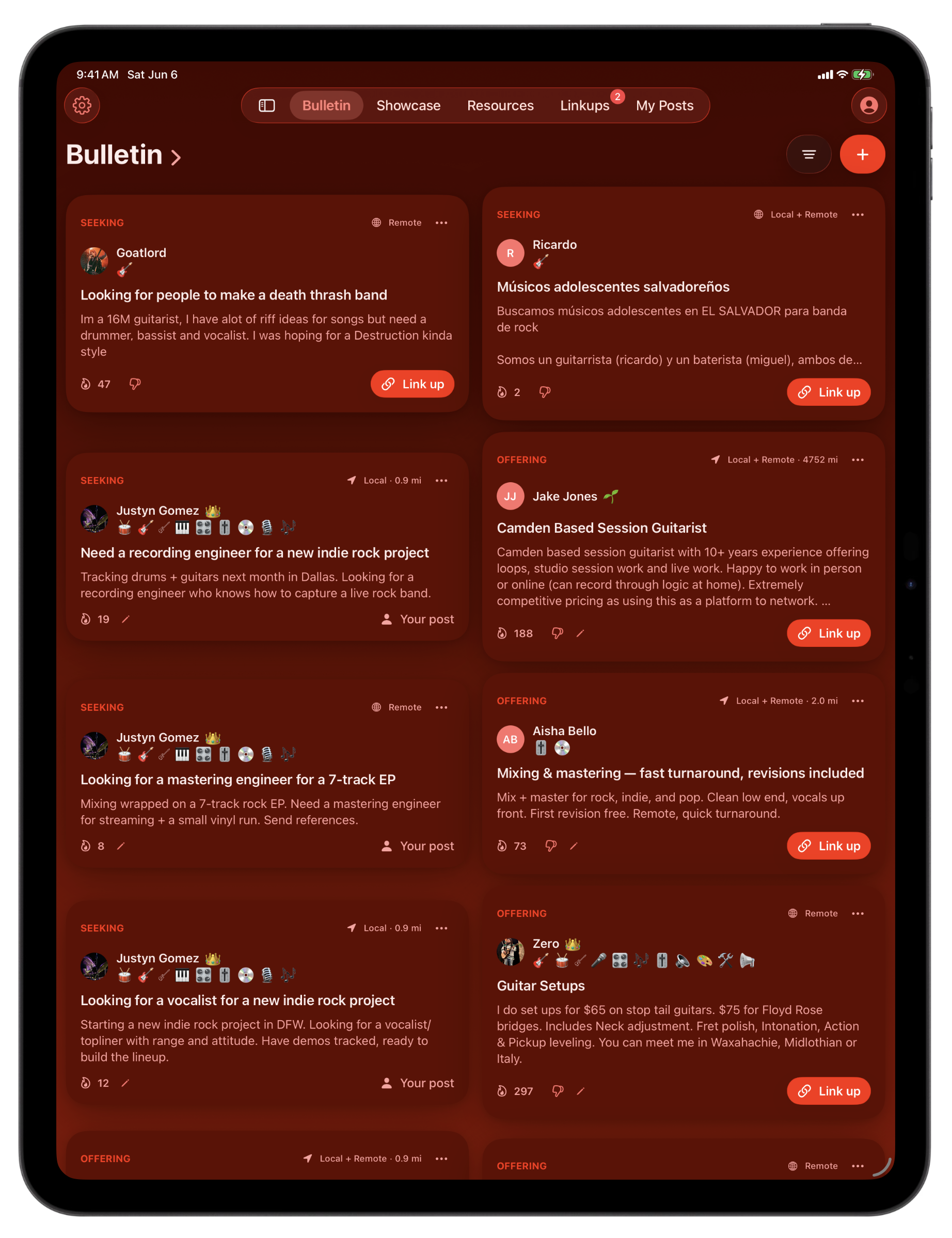
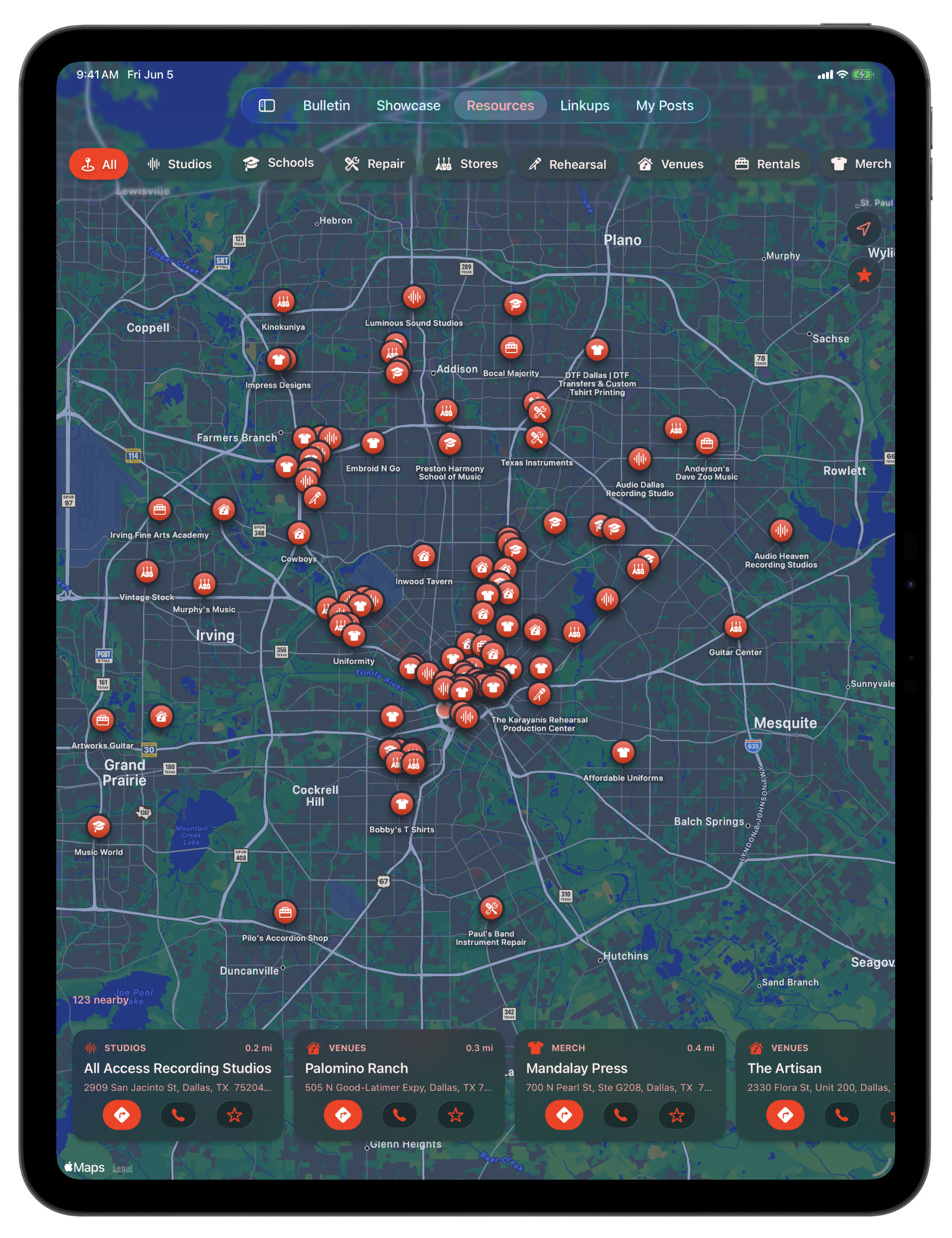
This is the full app, not a blown-up phone screen. Open Bandry on your iPad and you get all of it: the Bulletin for bandmates and pros, the Market for used gear, Showcase for honest feedback on your tracks, Mixtapes for what your scene is playing, your Linkups inbox, the Resources map, your profile. Same account you already use, same posts, same scene. Full feature parity, nothing cut down.
The Reach of Your Phone, the Room of a Desktop
Turn the iPad sideways and the whole thing opens up. Your tabs move into a sidebar down the edge, so you always know where you are and can jump anywhere in a tap. The feed lays out with room to breathe instead of one skinny column, so you take in more of your scene at a glance, more posts, more gear, more tracks, without thumbing through a tiny screen.
It's the part of Bandry that always wanted a bigger canvas. Scanning the Bulletin for a bandmate, flipping through the Market for a deal, reading the feedback on your track, all of it is just easier with the space.
Fly Through It With a Keyboard
Pair a keyboard with your iPad and Bandry keeps up. Jump straight to any tab, start a new post, or pull up your filters without lifting a hand off the keys, and a trackpad or pointer works too. It's the closest thing to working Bandry at a desk, on an iPad you can still pick up and take with you.
See How Your Music Is Landing
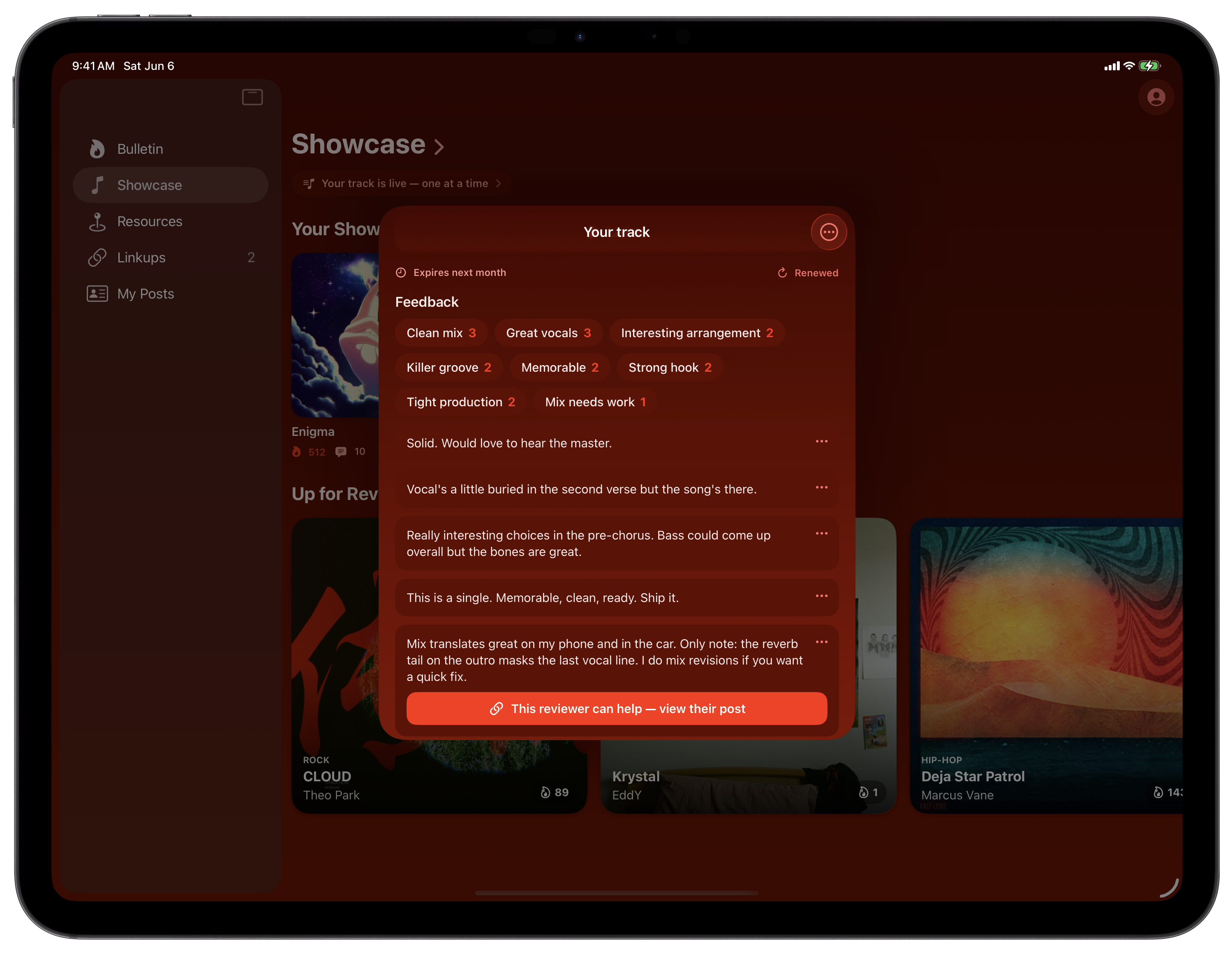
Share a track on Showcase or a playlist on Mixtapes and you can now see how it's doing. Pull up the stats on anything you've posted and you'll see the 🔥 it's pulling in over time, the day it peaked, and on a Showcase track, how the feedback has been trending. It's the same read you've had on your Bulletin posts, now on your music too, and on a Bulletin post you can open it right from the post itself.
No vanity dashboards, no follower counts. Just a straight look at what's connecting and when, so you know what's working and what to post next.
Cleaner Previews for the Music You Share
A small one that makes the whole feed look better: when you drop an Apple Music or YouTube link, the preview now shows clean cover art instead of a cropped card with bars and buttons stamped over it. Your tracks and playlists show up the way they're supposed to.
One Account, Every Screen
This is the last piece of a simple idea: Bandry should meet you wherever you are. iPhone in your pocket, iPad on the couch, any browser at your desk. One account, one scene, the same posts and inbox and subscription following you across all three. Sign in once and pick up wherever you left off. If you have not tried it from a laptop yet, the web app runs the same Bandry in any browser.
What to Do Next
Bandry on iPad is live now. If you've got an iPad, grab it, sign in with Apple or Google, and post what your project needs. New to Bandry? Head to get started and find your people, on whatever screen is closest.
Frequently asked questions
Is Bandry available on iPad?
Yes. Bandry now runs on iPad, the full app with every feature, the same as the iPhone version. Open it on your iPad, sign in with Apple or Google, and your whole scene is right there on the bigger screen.
Does the Bandry iPad app have all the features of the iPhone app?
Yes, it's full feature parity. The Bulletin, Market, Showcase, Mixtapes, your Linkups inbox, the Resources map, and your profile all work exactly like they do on iPhone. Nothing is cut down and nothing is missing.
Can I use a keyboard and trackpad with Bandry on iPad?
Yes. With a keyboard you can jump between tabs, start a new post, and open your filters with quick shortcuts, and a trackpad or pointer works too. It feels like working at a desk, on a screen you can still grab and take to rehearsal.
Do I have to pay again to use Bandry on iPad?
No. It's the same account and the same subscription across iPhone, iPad, and the web. Sign in and your posts, your inbox, and your trial or subscription are already there.
Should I use Bandry on iPad or in a browser?
Whatever's closest. The iPad app is the native app on a big touch screen with keyboard shortcuts, and the web works on any computer. It's one account either way, so you can move between them whenever you want.